


Blackboard Student Orientation

Our Expectations of Students
Gaston College has specific expectations of our students when they register for an online or hybrid course.
- Students must be active in their courses starting with the very first day of class. This includes completing the 10 percent assignment in every online and hybrid course. Students who become inactive may lose their access to their courses.
- Students in all courses must abide by the Student Code of Conduct as stated in the Gaston College Student Handbook AND the netiquette policy posted in your online class/syllabus.
- Students must report problems with any online resources immediately. Let your instructor know when an assignment/tool is not working properly.
Blackboard Student Orientation
The Gaston College Blackboard Student Orientation information can be located two ways:
Access the Blackboard Student Orientation via YouTube below:
The video is approximately 10 minutes in length, has an option for captioning, and a transcript is provided.
OR
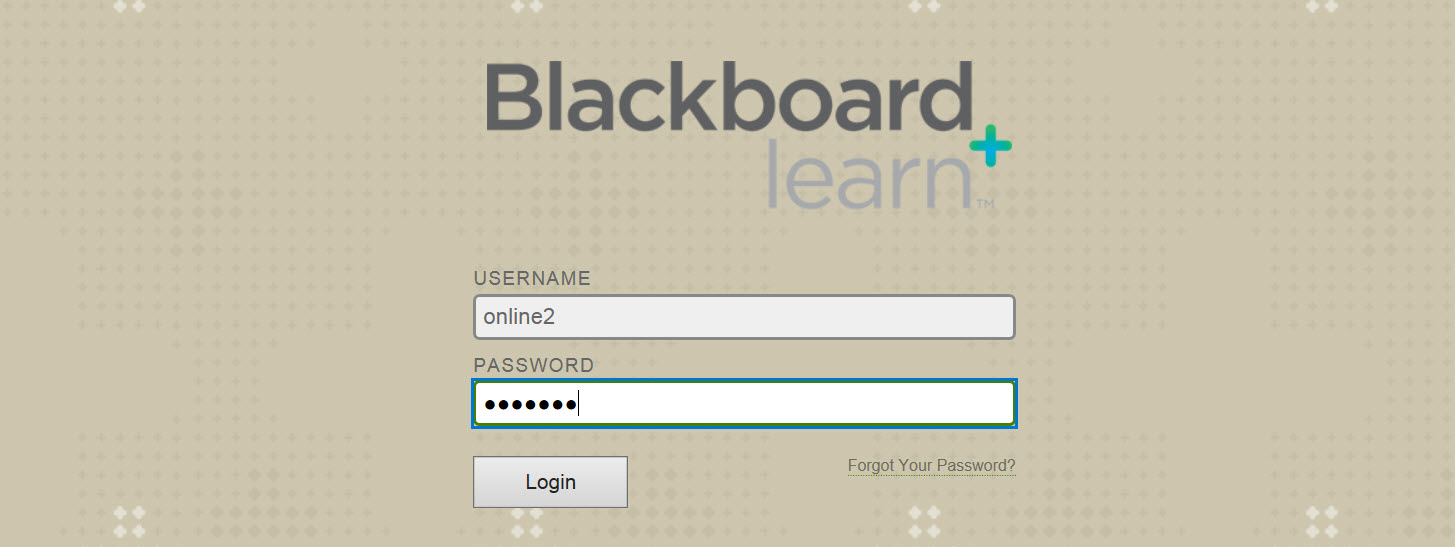
Log into the Gaston College Blackboard System with the username of online2 and the password is also online2 (all lower case letters). You will be given generic access to the Student Orientation Course which will allow you to move around in the course to become familiar. (However, you will not be able to submit any assignments or send email/messages to any Gaston College faculty or staff.)
Once you have completed one or both of the above options, you are ready to log into Blackboard with your own username and password.